Creative workflows
Faceless video ideas you can make with AI
Seven faceless video formats you can create with AI, from talking objects to product close-ups, with example prompts and a routine for keeping a series consistent.
 Kirill Zaikov4 min readUpdated
On this page
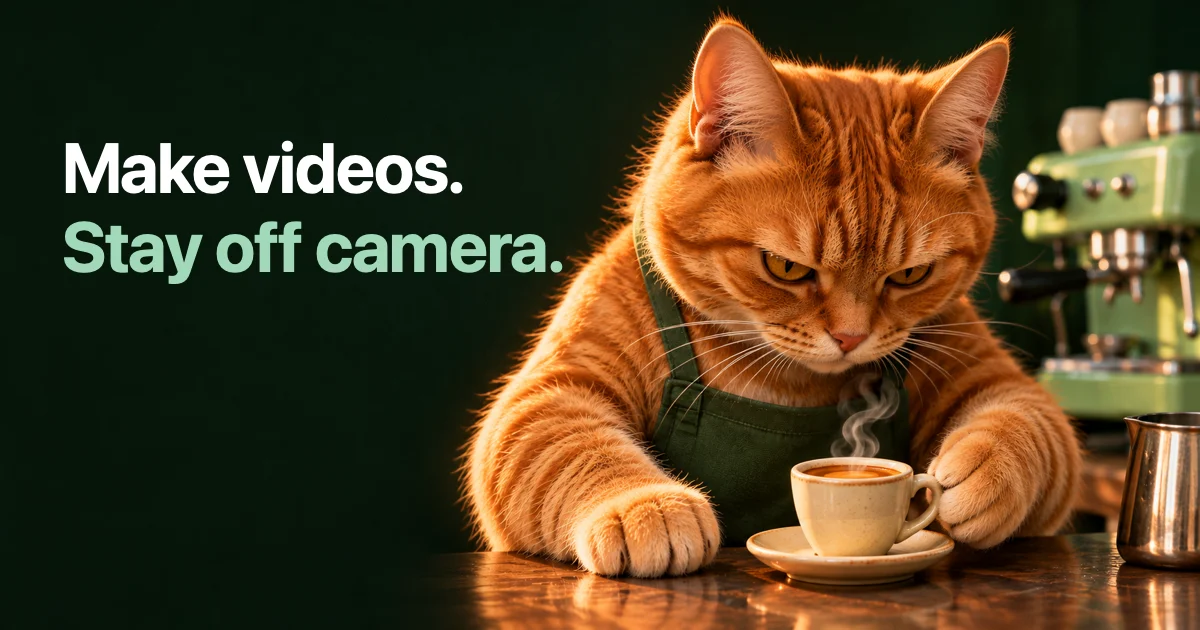
A faceless video is a video where no real person appears on camera. With AI video tools you can build one from a prompt: an object that talks, an animal with a job, a product in close-up, a place with atmosphere. The formats below work as single posts and as a series.
Each idea comes with an example prompt. They are starting points to edit, not tested recipes for views.
Why creators choose faceless formats
Some people do not want to be on camera. Some run a brand account where a face would be the wrong focus. Some want to post more often than filming allows.
A faceless format also makes a series easier. When the recurring element is a character, a setting or a visual style instead of a person's schedule, you can prepare several episodes in one sitting.
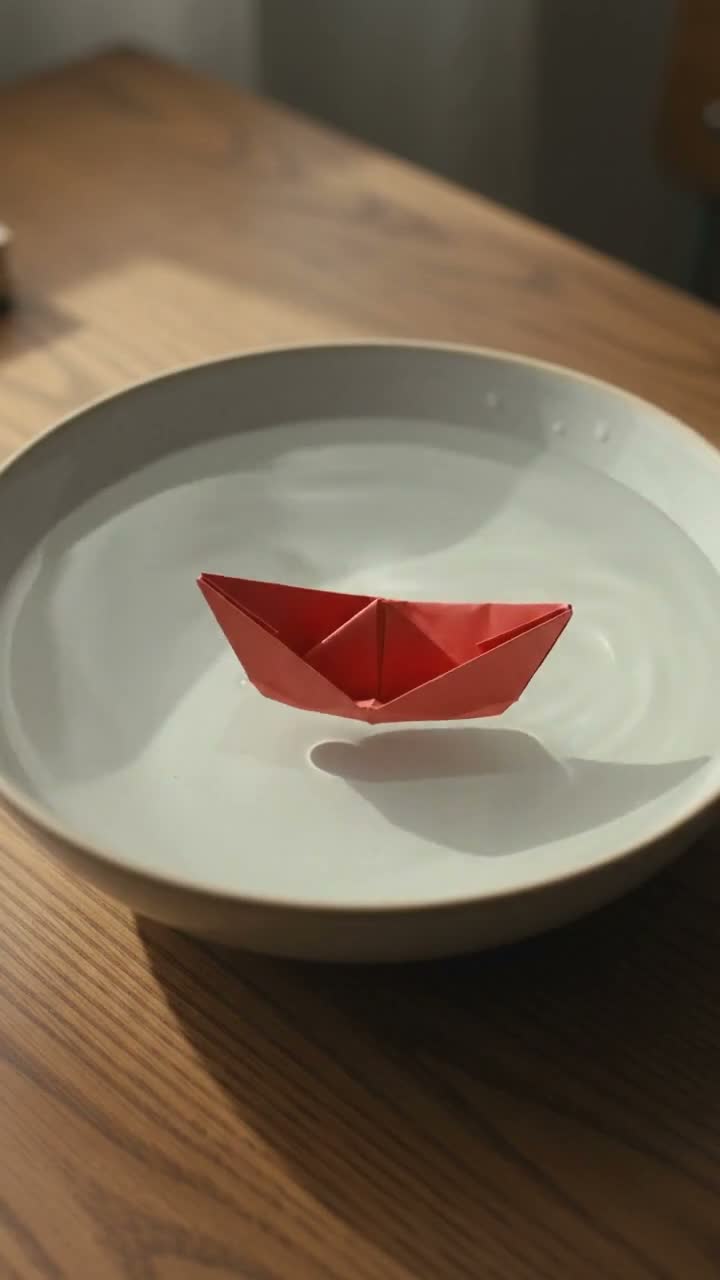
A supplied SwipeForge example: a small object can carry the scene without an on-camera presenter.
Seven formats to try
| Format | What it is | Works for |
|---|---|---|
| Talking objects | Everyday things with faces and opinions | Humor, tips told as dialogue |
| Animals with jobs | A cat barista, a dog chef | Light entertainment, mascots |
| Absurd scenes | An impossible situation played straight | Attention in the first second |
| Product close-ups | One product, one moment, no people | Shops and small brands |
| Places and B-roll | Calm scenes of a space or landscape | Backgrounds for text or voiceover |
| Animation and 2D | An illustrated or anime look | Stories, recurring characters |
| Transformations | One thing turning into another | Before and after ideas, reveals |
Talking objects
A tomato and a cucumber arguing on a kitchen counter in sunny light.
Expressive cartoon eyes and mouths, colorful 3D cartoon style.
The tomato says: "I am technically a fruit."
Static shot. No people or human faces.
Animals with jobs
A cat barista pours latte art in a cozy cafe, soft morning light.
The camera moves slowly closer to the cup.
Quiet cafe sounds. No people or human faces.
Absurd scenes
A crocodile in a pilot uniform flies a tiny paper plane over a city.
Bright colors, played completely seriously.
The camera follows the plane from the side. No people.
Product close-ups
A glass perfume bottle on a peach pedestal in warm studio light.
Light moves across the glass as the camera circles slowly.
No hands, no people, no captions.
Places and B-roll
A turquoise coast seen from above, small waves reaching the sand.
Slow forward drift. Natural sound of the sea.
Animation and 2D
A paper-cut fox opens a small green umbrella in gentle rain.
Flat illustrated shapes, textured paper and a limited warm palette.
One slow side view. Soft rain sounds. No people or captions.
Transformations
A folded paper boat on a dark tabletop slowly becomes a tiny sailboat.
Keep the subject centered and the camera still.
One continuous transformation, warm side light. No people or captions.
SwipeForge's style catalog has matching starting points, including Absurd meme, Animals and creatures, Product ad, Anime and 2D, Effects and transformations and Spaces and B-roll. For images, there are faceless formats such as talking objects, cute animals, quote posters and flat lays. Choosing one fills in the instructions and the visual style. You can read and edit the text before anything is generated.
Write the "no people" rule into the prompt
If the video must stay faceless, say so in the prompt. "No people or human faces" is a short line that removes a common surprise: a hand, a passer-by or a crowd in the background.
Keep the rule visible in your text instead of assuming a setting handles it. Then check for it in the review.
Turn one format into a series
A series is one decision made once and reused. Fix three things:
- The recurring element. The same character, the same kitchen, the same visual style.
- The structure. For example: a one-line setup, one action, one closing line.
- The words that describe the look. Copy the exact style lines from episode to episode.
Save the prompt and settings as a template, so the next episode starts from the same base and only the idea changes. Consistency between episodes is never perfect with generated video. Review each one and keep the takes that match.
Sound carries a faceless video. Use a model that generates sound with the picture, or add a voiceover and subtitles in the studio.
From the idea to a posted video
A faceless series is only useful if it gets published regularly. Make a few episodes, review them and place them in a calendar. How to plan a week of short videos shows one way to do it. For the writing side, see how to write a text to video prompt.
You can start with one idea in the studio.
FAQ
What is a faceless video?
A video where no real person appears on camera. The content is carried by objects, animals, animation, products, places, text or a voice.
Do I need to label AI-generated faceless videos?
Platforms have their own rules for realistic altered or synthetic content. Check the current policy of each platform you post to and set the disclosure it asks for. In SwipeForge the YouTube review includes the altered or synthetic content setting.
Can a faceless video have a voice?
Yes. Some video models generate dialogue and ambience with the picture. You can also add a voiceover to a finished clip and show the words as subtitles.
How do I keep the same character in every episode?
Reuse the exact description of the character and the style, save it as a template and review each take. For a recurring human-like presenter, a saved avatar keeps the appearance and voice description together. Expect some variation and select the takes that fit.
Written by