Creative workflows
How to write a text to video prompt that you can check
A simple structure for text to video prompts: subject, setting, action, camera and sound. With examples you can reuse and a way to review the result.
 Kirill Zaikov4 min read
On this page
A good text to video prompt names five things: the subject, the setting, one action, the camera and the sound. Write each of them as something you can check in the finished clip. If you cannot tell whether the video followed a line, the model could not either.
This guide shows the structure, three example prompts and a short review routine. The prompts are examples to adapt, not a promise of an exact result.
Why vague prompts give vague videos
"An impressive ad for my coffee brand" leaves every decision to the model: what is on screen, where it is, what moves and how the camera behaves. You may get something watchable, but you cannot steer it and you cannot tell what to change next.
A specific prompt does two jobs. It gives the model fewer things to guess. It also gives you a checklist for the review. Both matter when each new take is a new generation.
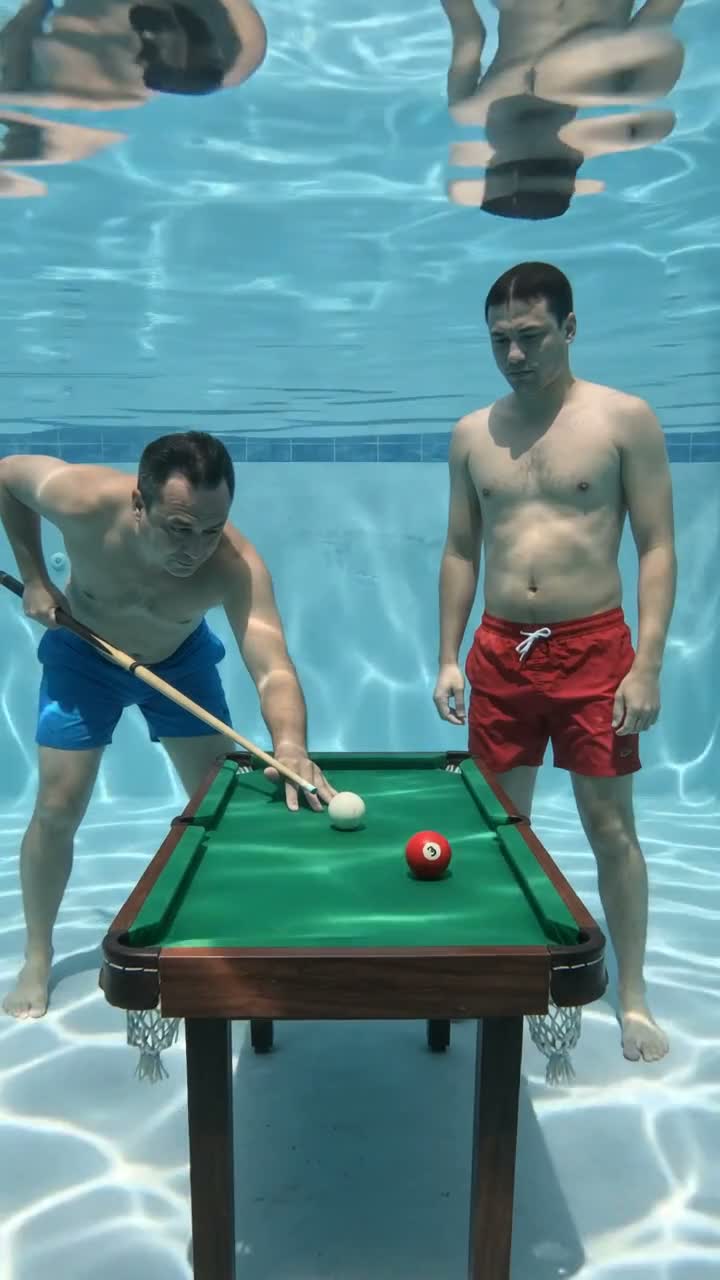
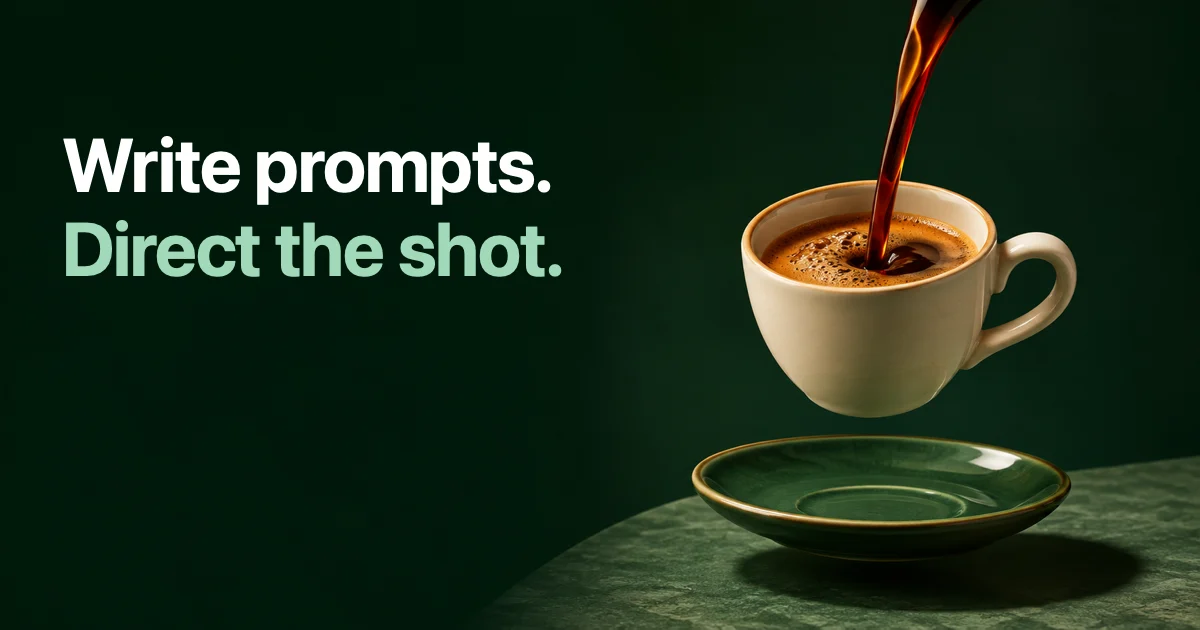
A supplied video example: a familiar scene with one unexpected setting. Use a similarly specific subject and action in your own brief.
The five parts of a prompt
| Part | What to write | Example |
|---|---|---|
| Subject | Who or what the video is about | A ceramic coffee cup with a green glaze |
| Setting | Where it is and what the light is like | On a wooden counter in morning light |
| Action | One thing that happens | Steam rises as coffee is poured in |
| Camera | How the frame behaves | The camera moves slowly closer |
| Sound | What you should hear, if the model makes sound | Quiet cafe ambience, no music |
Keep the action to one event per scene. "Coffee is poured, then a hand lifts the cup, then the cup lands on a table outside" is three scenes. Plan them one by one instead of pressing them into a single instruction.
Add a short line for what must stay the same or stay out. "Keep the cup shape consistent. No captions or logos." This is often the line that saves a take.
Three prompts you can adapt
A product moment:
A ceramic coffee cup with a green glaze on a wooden counter in morning light.
Coffee is poured in and steam rises.
The camera moves slowly closer to the rim of the cup.
Quiet cafe ambience, no music.
Keep the cup shape consistent. No captions or logos.
A playful scene:
A paper boat on a puddle in a city street after rain.
A gust of wind pushes the boat past a fallen leaf.
Low camera at water level, following the boat.
Soft rain sounds.
Keep the boat white and folded the same way throughout.
A person speaking:
A friendly presenter in a bright home studio, looking at the camera.
She holds up one finger and says: "One tip for sharper product photos."
Static medium shot, natural daylight.
Clear voice, no background music.
In SwipeForge you write the idea, choose a model and set the look. A style from the catalog, such as Product ad or Talking head, gives you a starting prompt that you can edit. The style is a creative instruction, not a guarantee of a specific visual result.
Plan a story scene by scene
When your idea needs more than one action, split it. Give each scene its own subject, action and camera line. Repeat the details that must match: the same cup, the same counter, the same light.
A simple three-scene plan for the coffee idea:
- The pour. Close on the cup as coffee fills it.
- The lift. A hand takes the cup from the counter.
- The pause. The cup rests beside a window with the street outside.
Start with the scene that carries the idea. If the first scene does not work, the other two will not rescue it.
Review the clip against the prompt
Watch the whole clip once without stopping. Then go through your own lines:
- Is the subject the one you described, from the first frame to the last?
- Did the action happen and nothing else?
- Did the camera behave as asked?
- Are there unwanted words, logos or objects?
- Does the sound fit the scene?
Change one thing per new take. If you rewrite the whole prompt, you will not know which change helped. When the clip is close, trimming the start or the end is often enough. Then add subtitles, on-screen text or a voiceover if the post needs them.
When the video is ready, read how to post one video to several platforms for the publishing step, or open the studio and try the structure with one idea.
FAQ
How long should a text to video prompt be?
Long enough to name the subject, setting, action, camera and sound. That is usually three to six short lines. More text does not help if it adds a second action or a second scene.
Should I describe the style in the prompt?
Yes, briefly, or pick a style from the catalog and edit its starting prompt. Keep style words concrete: "warm studio light" tells the model more than "beautiful".
Why did the video ignore part of my prompt?
Usually the prompt asked for too much at once. Remove everything except one subject and one action, check that take, then add detail back. Results also differ between models, so compare a short version before committing to a longer one.
Do all models generate sound?
No. Sound, available durations and reference options differ between models, and the models you can use depend on your access. Check the options shown in the studio before you generate.
Written by